
Quick Answer:
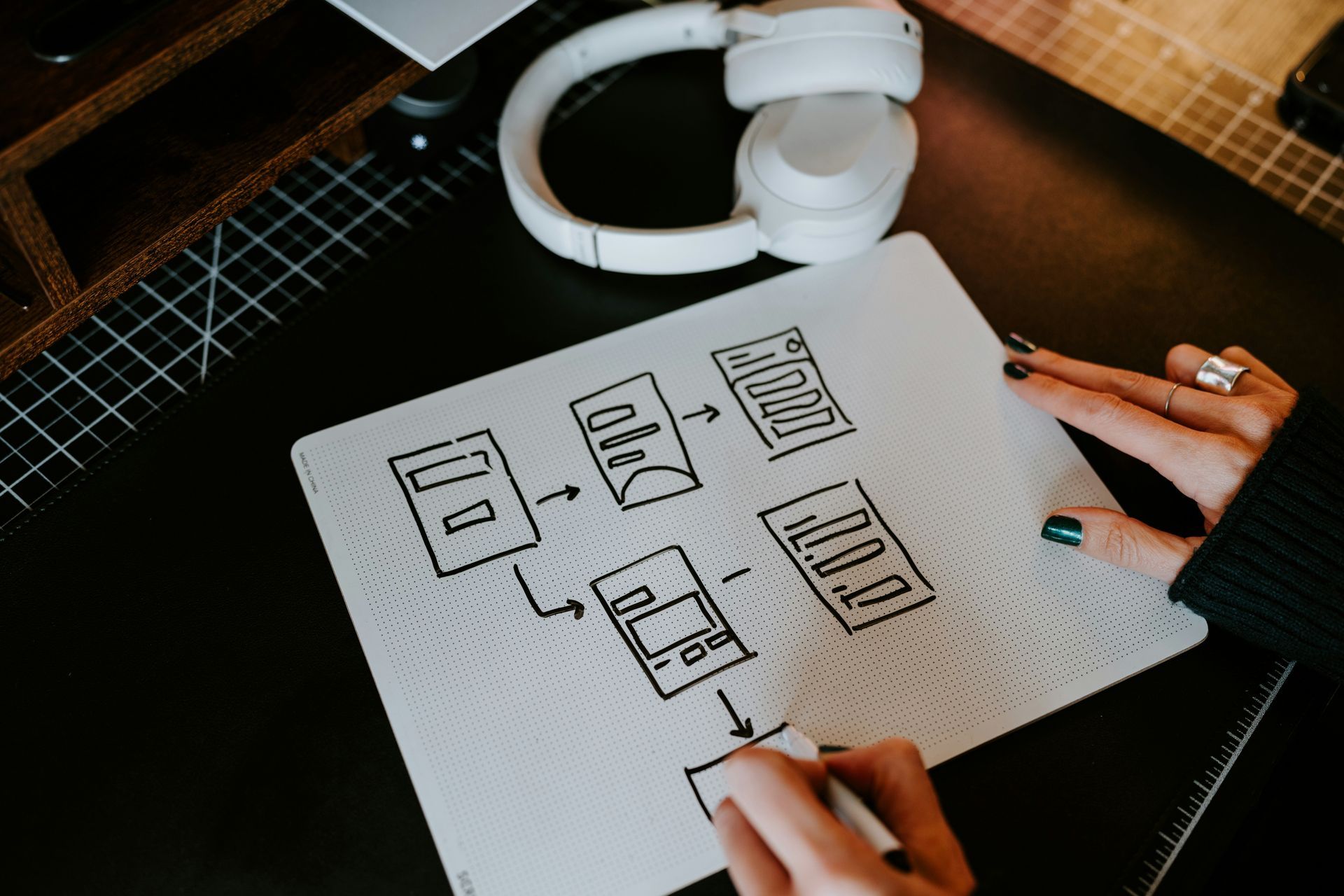
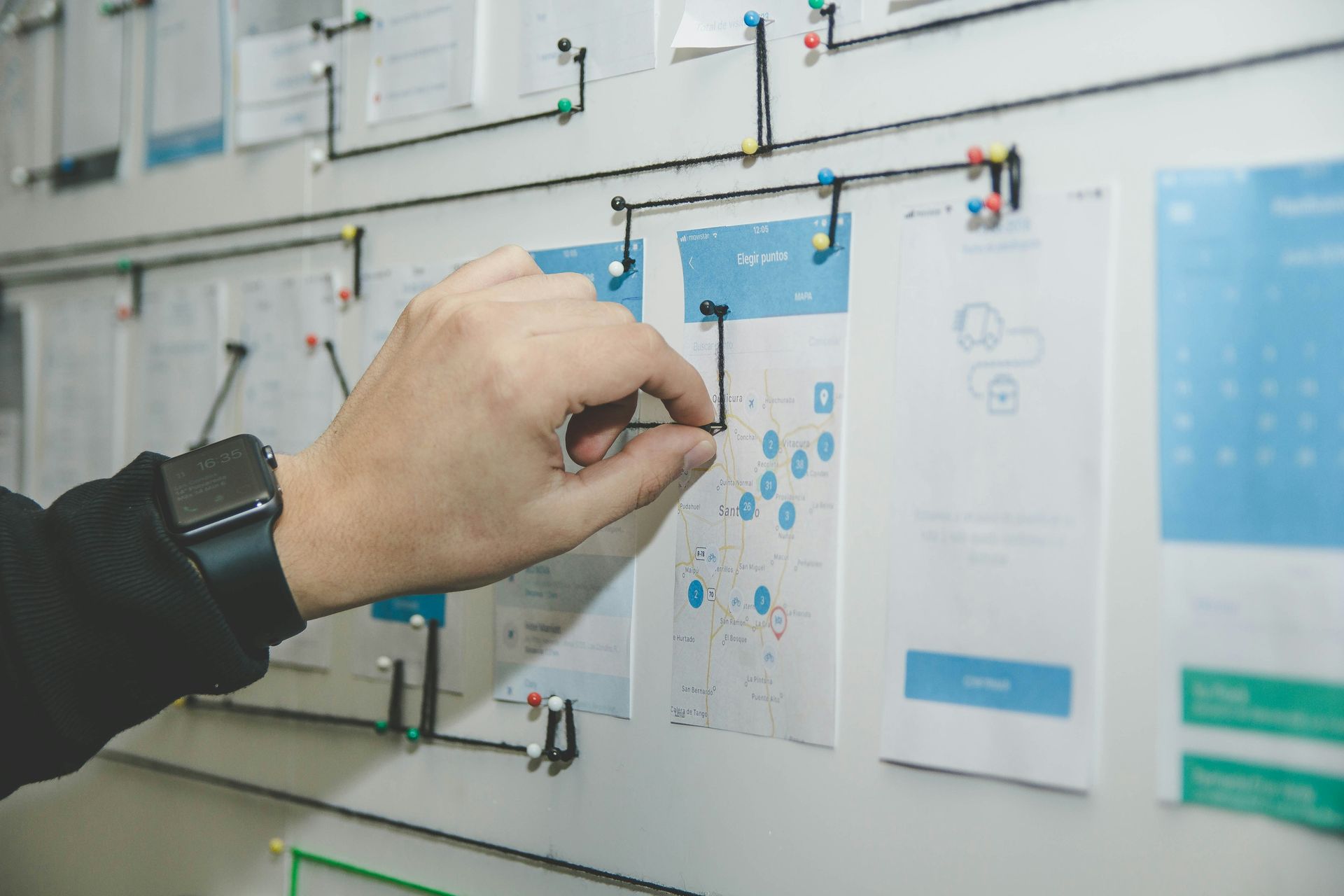
ShootQ automates the full client lifecycle in five connected stages: inquiry capture, booking and contract, invoicing and payments, workflow and delivery, and follow-up. Because each stage triggers the next automatically, a single new inquiry can move all the way to a paid, delivered, and followed-up booking without the photographer manually managing each individual step.
Most photography studios don't run on one tool. They run on a stack: a form for leads, a separate app for contracts, another for invoicing, a shared drive for delivery, and an inbox holding all of the client communication that ties it together. Each piece works well enough on its own, but the seams between them are where time and information get lost.
ShootQ is built around a different idea: that the
client journey is one continuous process, not five disconnected tools, and that each stage should automatically hand off to the next.
What's the Problem With Fragmented Tools?
Every handoff between separate tools is a place where something can go wrong: a lead captured in one system but never entered into the invoicing tool, a signed contract that doesn't trigger the deposit request, a delivered gallery that never prompts a review ask. None of these failures are dramatic on their own. They're just small gaps that quietly cost bookings and revenue over time.
Stage 1: How Does ShootQ Handle Inquiry Capture?
The journey starts the moment a lead submits a booking form. Instead of landing in an inbox to be manually transferred somewhere else, the inquiry becomes a lead record directly inside ShootQ, placed into your pipeline with all of the details they provided already attached.
Stage 2: How Does ShootQ Handle Booking and Contracts?
Once a lead is ready to book, selecting a package triggers the correct contract template automatically, populated with their specific details. There's no drafting, no searching for the right template, and no manual copy-paste from a previous client's contract.
Stage 3: How Does ShootQ Handle Invoicing and Payments?
As soon as the contract is signed, or at whatever stage you've configured, the invoice generates and sends automatically, often split into a deposit and balance. Payment reminders follow their own automated schedule, so overdue invoices get a consistent, professional nudge without the photographer tracking each one manually.
Stage 4: How Does ShootQ Handle Workflow and Delivery?
Between booking and delivery, automated reminders keep the client informed: shoot-day prep guides, location details, and final reminders all go out on schedule. Once the shoot is complete and the gallery is ready, delivery notifications can be automated as well, so the client is notified the moment their images are ready without a manual email each time.
Stage 5: How Does ShootQ Handle Follow-Up and Referrals?
After delivery, the highest-response-rate moment for a review or referral request is right when a client is most excited about their images, not weeks later once the excitement has faded. An automated follow-up sequence catches that window every time, prompting reviews and referrals without depending on the photographer remembering to ask.
Why Does an All-in-One System Convert Better Than Stacked Tools?
The advantage isn't just fewer subscriptions to manage. It's that every stage triggers the next one automatically, because the data doesn't need to move between systems to make it happen. A lead that books doesn't need to be manually re-entered into an invoicing tool. A signed contract doesn't need someone to remember to generate the invoice separately. The lifecycle keeps moving on its own, which means fewer leads stall out at the gaps between tools, and more of them make it all the way through to a booked, paid, and satisfied client.
What Does This Look Like for a Single Client, Start to Finish?
It's easier to see the value of lifecycle automation by following one client through it rather than looking at the five stages in the abstract. A prospective client finds your studio online and fills out a booking form for a fall portrait session. Within seconds, that inquiry is sitting in your pipeline with their contact details, preferred date, and package interest already attached, no manual entry required on your end.
You reach out, they confirm the package, and the moment you mark the booking confirmed, the correct contract generates automatically with their name, date, and price already filled in. They sign it the same day. That signature triggers the deposit invoice, which goes out immediately while the booking is still fresh in their mind, and typically gets paid faster because of that timing.
Over the following weeks, they receive a prep guide with what to expect and what to bring, timed to arrive far enough ahead that they can actually act on it, followed by a final reminder the day before the shoot. None of this required you to remember a single date or write a single email in the moment. It had all been set up once, in advance.
After the shoot, once the gallery is ready, a delivery notification goes out automatically. A few days later, while the client is still excited about their images, a review and referral request follows. From their perspective, they experienced a studio that was responsive, organized, and on top of every detail. From your side, you touched the booking maybe twice: once to confirm the package, and once to actually take the photos.
Where Do Studios See the Biggest Impact From This?
The biggest gains tend to show up in two places: response consistency and follow-through. A studio without lifecycle automation is only as consistent as its owner's memory and available time in any given week. A studio with it delivers the same experience whether that week was quiet or completely full, which matters most for exactly the busy weeks when manual consistency would otherwise be hardest to maintain.
- Fewer leads stall out simply because no one had time to move them to the next stage manually.
- Invoices go out and get followed up on consistently, improving how predictably a studio gets paid.
- Every client gets the same prep and delivery experience, regardless of how busy the studio was that month.
- Review and referral requests go out reliably, which compounds over time into more inbound leads.
How Does This Compare to Managing Each Stage Separately?
Studios that automate individual pieces, contracts in one tool, invoicing in another, without connecting them into one lifecycle, still get some benefit, but they also keep the manual handoff problem this guide opened with. A signed contract in one system still has to be noticed and acted on in another. The real gain comes specifically from the stages being connected, so that finishing one automatically starts the next, rather than automation existing as a handful of disconnected shortcuts a photographer still has to stitch together by hand.
See your entire client journey run itself. Start your free
ShootQ trial today and experience inquiry-to-invoice automation firsthand, no credit card required.
Frequently Asked Questions
What does end-to-end client lifecycle automation mean?
It means every stage of the client journey, from first inquiry through post-shoot follow-up, is connected in one system, so completing one stage automatically triggers the next without manual handoff between separate tools.
Do I have to use every stage of automation, or can I pick and choose?
You can automate as much or as little as you want. Many studios start with contracts and invoicing, then expand into onboarding and follow-up automation once the core workflow feels comfortable.
Can ShootQ handle multiple photographers or team members?
Yes. Team members can be added to an account, with each booking, contract, and client record accessible to the right people without duplicating information across separate personal systems.
What happens if a client needs a custom arrangement outside the automated flow?
Any stage can be manually adjusted or overridden for a specific booking. Automation handles the routine cases so that manual attention is available for the exceptions that actually need it.
How does automated delivery notification work?
Once a gallery is marked ready, a notification can be triggered automatically to let the client know their images are available, rather than requiring a manual email each time a shoot wraps.
Does automating the client lifecycle reduce the personal feel of the experience?
Not if the templates are written in your own voice with real, specific content. The automation manages timing and consistency, while the actual words and tone remain entirely up to you.
Where should a studio start if it wants to automate the full lifecycle eventually?
Most studios get the best early return by starting with contracts and invoicing, since those apply to every booking without exception, then layering in onboarding communication, delivery notifications, and review requests once that foundation is running smoothly.
Is it hard to set up compared to automating just one piece, like invoicing?
Not significantly. Since each stage builds on the package and contract structure you set up first, connecting the later stages, delivery notifications and review requests, is usually a matter of adding a trigger to an existing template rather than building something new from scratch.